

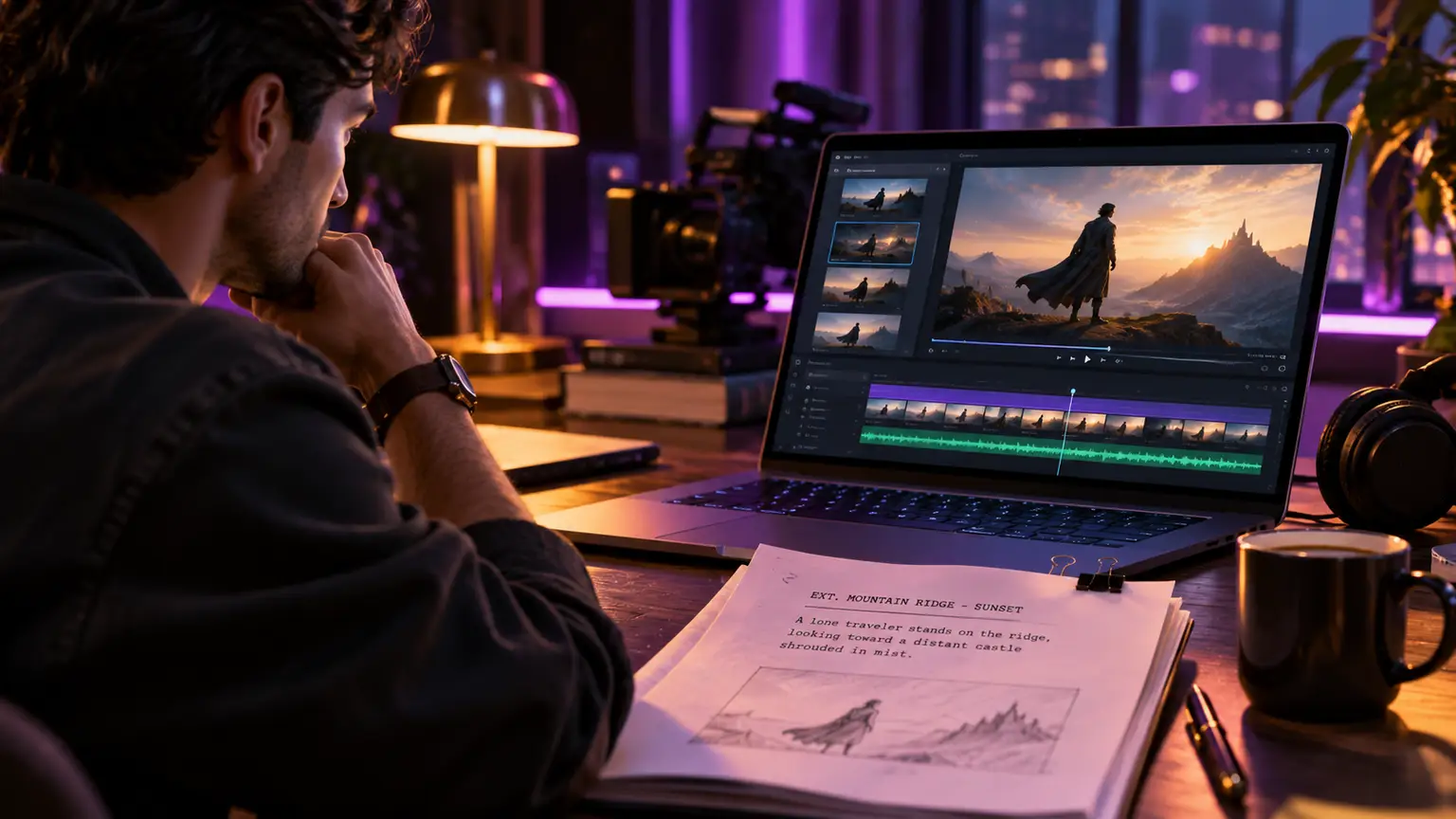
A blank page, a strong visual idea, and no crew, camera package, or location budget. That used to be where many films stopped. An AI video generator changes the starting point. It gives filmmakers and creators a way to turn a scene on the page into moving images, then shape those images into a complete piece of work.
Ready to bring your story to life? Try AICINEO's AI Video Generator and start creating cinematic videos today.
The best results do not come from treating AI as a button that makes a movie for you. They come from treating it like a creative production space: a place to write, visualize, revise, score, edit, and publish with intention. Whether you are making a short film, a music video, a proof of concept, or a social series, the process still begins with a point of view.
What an AI Video Generator Actually Does
An AI video generator creates video clips from written prompts, images, or other creative direction. You can describe a character walking through a rain-soaked city, define the camera mood, choose an environment, and generate footage that brings the idea closer to the screen.
That makes it useful for far more than quick visual experiments. Independent filmmakers can previsualize difficult scenes before committing to a shoot. Screenwriters can turn a key sequence into a pitch-ready proof of concept. Content creators can produce original visual worlds without relying on stock footage that everyone has seen before.
Still, generated footage is only one part of filmmaking. A compelling film needs structure, pacing, sound, and a reason for every shot to exist. The strongest creative workflow connects those pieces rather than leaving them scattered across separate tools.
Start With a Scene, Not a Prompt
A common mistake is beginning with a broad request such as “make a cinematic sci-fi film.” The result may look impressive for a few seconds, but it rarely belongs to a coherent story. Start smaller. Write one scene with a clear dramatic purpose.
Ask what changes in the moment. Does a detective realize she has been followed? Does a musician decide to leave town? Does a child find evidence that the world outside is not what it seems? When the scene has an emotional turn, your visual choices become easier to make.
Write the action in plain language first. Then identify the details that the audience should feel: time of day, weather, location, character energy, color palette, and camera distance. A tense encounter in a narrow hallway needs different imagery than a quiet goodbye on an empty beach.
A useful prompt usually combines subject, action, setting, visual style, lighting, and shot direction. For example:
> A lone woman in a silver raincoat stands beneath a flickering motel sign at night, desert highway behind her, wind lifting her hair, slow push-in, neon reflections on wet pavement, suspenseful cinematic lighting.
This is not about packing every possible adjective into one instruction. It is about giving the shot a purpose. If a detail does not serve the story, leave it out.
Build visual consistency shot by shot
A film feels like a film when its images belong together. Keep notes on recurring character traits, wardrobe, locations, lighting, and visual references. Generate establishing shots before close-ups so you understand the world your characters inhabit.
For a short project, create a simple shot plan: wide shot, medium shot, close-up, cutaway, and transition. You may not need every option, but planning coverage gives you choices when you begin editing. It also prevents a final video made entirely of beautiful but disconnected hero shots.
Turn Generated Clips Into a Story
An AI video generator can produce striking moments. Editing decides whether those moments create tension, rhythm, and meaning.
Begin by placing clips in story order, even if the timing is rough. Watch the sequence without music. Can a viewer understand where they are, who they are watching, and what the scene is building toward? If not, generate or select a connecting shot rather than trying to solve every problem with transitions.
Then work on pace. Fast cutting can make a chase or reveal feel urgent. Longer shots can create discomfort, romance, or anticipation. The right speed depends on the scene, not the trend. A 15-second video may need a visual change every few seconds. A short film can let a look, a pause, or a piece of silence do more work.
Use editing to hide limitations, too. AI-generated clips may vary in small visual details from take to take. Cut on motion. Use reaction shots. Return to a wide view of the setting. These are not tricks that make a film less cinematic. They are classic editorial decisions that guide the audience through a scene.
Sound Makes the Image Believable
A beautiful image without sound often feels unfinished. Music, ambience, and effects give a generated world scale and texture. A train rumbling in the distance, room tone under dialogue, or a single low note before a reveal can transform how a shot lands.
Original music is especially valuable when you want the soundtrack to follow the story rather than force the story to fit a preexisting track. Build the score around emotional shifts. Let it grow as the stakes rise. Pull it back when a character needs space.
Avoid filling every second with music. Silence can make a close-up more intimate or a final line more powerful. The goal is not constant intensity. The goal is control.
AICINEO brings screenplay writing, cinematic video generation, original music creation, editing, and publishing into one creative space. That matters because the scene can stay connected to its script, visual language, and soundtrack from first draft to final cut.
A Practical AI Video Generator Workflow
For most creators, the fastest path to a finished project is a focused workflow rather than an endless cycle of generations. Keep the first version short. A 30- to 90-second scene can teach you more about your visual language than a half-finished feature idea.
Start with a screenplay or scene outline. Break it into individual beats, then create a shot list around those beats. Generate several versions of the few shots that carry the most emotional weight, such as an opening image, a character reveal, or a final reaction. You do not need ten variations of every transition shot.
Once you have usable clips, assemble a rough cut immediately. This reveals what is missing. You may discover that the scene needs an establishing shot, a hand reaching for a door, or a quieter reaction after a major event. Generate with those editorial needs in mind.
After the structure works, add music and sound. Then make the final pass for color, timing, titles, and captions if the platform requires them. Export for the audience you have chosen, whether that is a widescreen film, a vertical social video, or a trailer for your larger project.
Where AI Video Fits Best
AI video is especially effective when your idea is visually ambitious but resources are limited. It can help create dream sequences, historical worlds, distant planets, surreal transitions, stylized music visuals, and concept trailers that would otherwise require substantial production budgets.
It is also useful before traditional production. A director can use generated footage to communicate tone to collaborators. A producer can test whether a scene concept is worth expanding. A musician can find the visual identity of a new release before planning a larger video shoot.
The trade-off is that precision still takes creative direction. If your project depends on exact continuity, intricate physical performance, or long dialogue scenes with subtle acting, you may need to combine AI footage with live action, animation, or more conventional post-production. The medium is strongest when you design for its strengths rather than asking it to imitate every production method at once.
Make Work Worth Watching
The question is not whether you can generate a video. Thousands of creators can. The question is whether your video gives someone a reason to stay for the next shot.
Choose an idea with a clear feeling. Write the scene before you generate it. Make each frame serve the story, then let the sound carry the audience deeper into the world. Your first AI film does not need to be perfect. It needs to be finished, shared, and strong enough to make you want to create the next one.
Write it. Create it. Score it. Share it.