

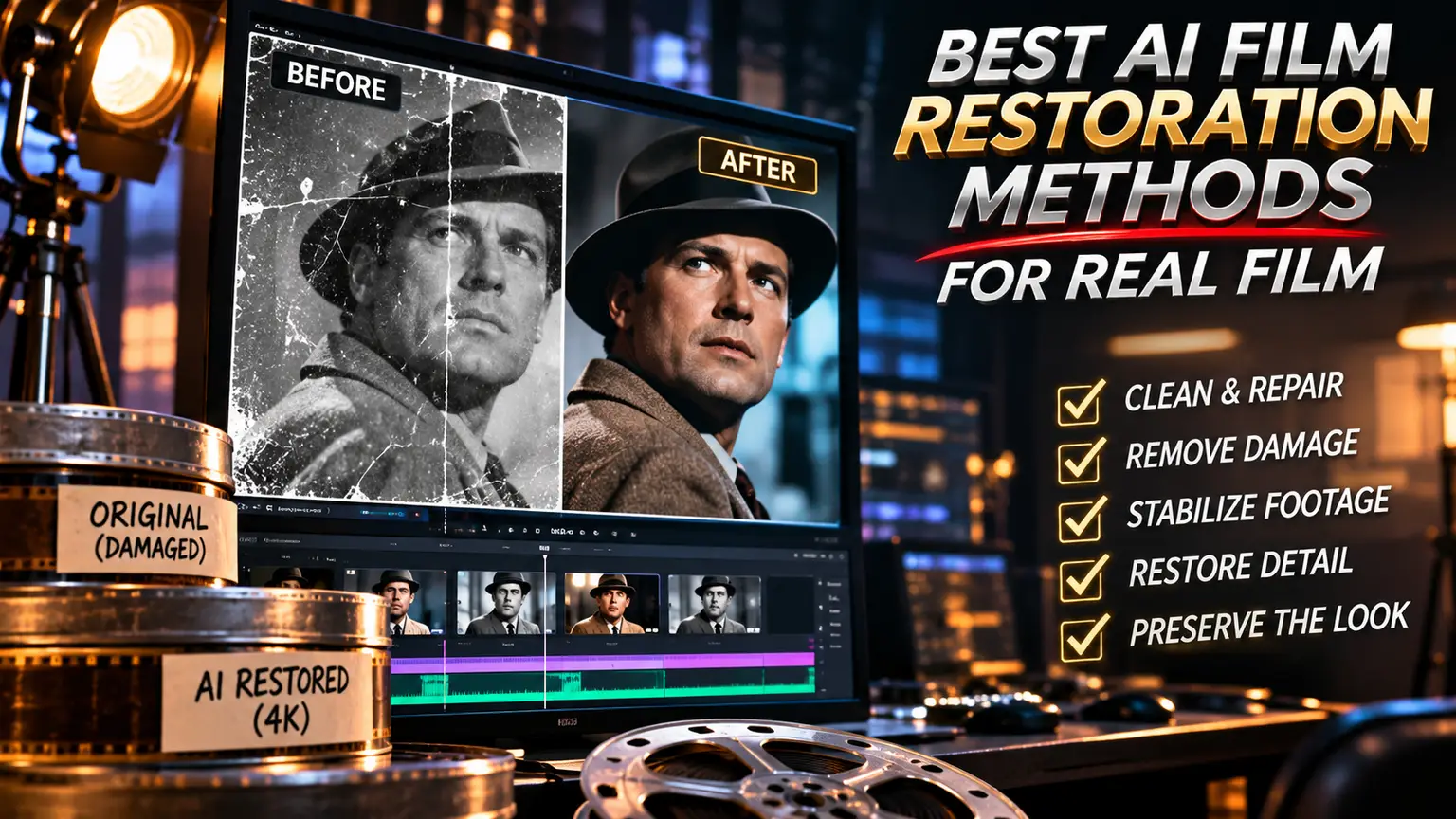
A scratched 16mm frame does not need to become a glossy imitation of digital video. It needs to remain itself: photographic, unstable in the right ways, and faithful to the era that made it. The best AI film restoration methods begin with that distinction. Their purpose is not to make every image look new. Their purpose is to recover what damage, decay, and technical limits have concealed.
For filmmakers and archives, AI has changed the scale of what can be repaired. It can identify dust across thousands of frames, stabilize a warped image sequence, reconstruct missing detail, and reduce noise without forcing a human colorist to work frame by frame. But restoration is still a matter of judgment. A model can predict pixels. It cannot decide what a film should remember.
https://aicineo.com/create-ai-video?utm_source=chatgpt.com
Start With the Scan, Not the Model
AI restoration cannot rescue information that was never captured. The strongest workflow begins with the highest-quality scan available, ideally one that preserves the full dynamic range of the film element. A compressed digital file may be convenient, but it gives restoration tools less latitude and often bakes in artifacts that AI mistakes for real image detail.
Inspect the source before processing. Is the damage in the emulsion, the scan, or the digital transfer? Are the flicker and jitter part of the original camera behavior? Is the softness optical, caused by an out-of-focus lens, or simply the result of an aging print? These questions define the treatment.
A clean scan also creates a better training and reference environment for AI tools. If the source has clipped highlights, crushed shadows, or aggressive sharpening from an earlier transfer, every automated pass starts at a disadvantage. Restoration is cumulative. Good decisions at ingest protect every decision that follows.
Best AI Film Restoration Methods, by Problem
The most effective approach is modular. Do not ask one system to denoise, sharpen, upscale, stabilize, recolor, and interpolate in a single pass. Each task can influence texture, edges, and motion. Separating them gives the restoration team control and makes unwanted changes easier to reverse.
Dust and scratch removal
AI-assisted cleanup is often the clearest win. Temporal models compare adjacent frames to distinguish a fixed scratch or burst of dust from intentional image detail. This can remove common defects far faster than manual paint work.
The risk is overcorrection. Film grain, rain, smoke, sparks, and fast-moving particles can resemble damage. A good workflow uses conservative detection settings, then reviews problem shots individually. The goal is to remove the distraction, not the atmosphere. A war film should not lose its smoke because a model decided it was noise.
Stabilization and gate-weave correction
Old film often shifts subtly from frame to frame because of shrinkage, sprocket wear, or imperfect scanning. AI tracking can stabilize the picture while preserving deliberate camera movement. It is especially useful for archival footage, home movies, and documentary material where instability pulls attention away from the subject.
Stabilization should be calibrated shot by shot. Handheld movement and a slow optical drift may be part of the original visual language. If every tremor is erased, the result can feel detached from the camera that captured it. Correct mechanical movement, not cinematic intention.
Denoising while preserving grain
Denoising is where many restorations lose their character. Film grain is not a technical failure. It is part of the photographic surface, carrying the response of the stock, exposure, development, and format. Heavy noise reduction can turn faces waxy, flatten shadows, and leave moving objects with a synthetic halo.
Modern AI denoisers can separate random noise from image structure more intelligently than older filters. Still, the best setting is rarely the strongest setting. Work at low to moderate intensity, review motion rather than still frames, and retain a grain reference from the original scan. In some projects, restoring or matching grain after cleanup is appropriate. It should never be used to disguise erased detail.
Super-resolution and detail reconstruction
Upscaling can be valuable when a film needs a modern presentation format or when only a low-resolution transfer survives. AI super-resolution models infer edge detail, texture, and local contrast from learned image patterns. Used carefully, they can make a soft image more legible without making it falsely crisp.
But inferred detail is interpretation. An AI model may invent eyelashes, fabric texture, lettering, or architectural lines that were not present in the source. This is not always unacceptable in a creative remaster, but it is a serious concern in archival work. For historical films, super-resolution should support clarity while keeping the original scan available as the authoritative record.
The practical standard is simple: if a viewer notices the upscaling before they notice the scene, the pass is too aggressive.
Flicker correction and exposure recovery
Flicker is common in aged prints and uneven scans. AI can analyze luminance changes over time and smooth unwanted exposure shifts while protecting scene transitions, flashes, and practical light sources. This is particularly effective on amateur film, newsreels, and material stored under poor conditions.
Exposure recovery is more limited. AI can improve local contrast and reveal information in underexposed areas, but it cannot truthfully reconstruct detail from a completely clipped highlight or an empty shadow. Treat those interventions as grading decisions, not recovery. The distinction matters when a restoration claims historical fidelity.
Frame interpolation and missing-frame repair
When frames are missing or motion is damaged, AI can synthesize intermediate images and create smoother playback. It can also help repair short gaps in footage. This method has real value for fragile documentary material and compromised sequences where continuity matters more than strict frame accuracy.
It also carries the highest aesthetic risk. Interpolated motion can make 24-frame film feel like high-frame-rate video, altering cadence, performance, and the physical rhythm of editing. For most narrative restorations, preserve the original frame rate. Use frame generation for repair only, and mark the intervention in the project documentation.
Color Is Evidence, Not Decoration
Color restoration is often framed as a before-and-after spectacle. That mindset produces images with louder skies, cleaner whites, and skin tones that belong to the present rather than the period. AI can identify fading, balance color casts, and assist in matching shots across a reel. It cannot know the intended palette without evidence.
Reference surviving prints, original timing notes, production stills, period stocks, and the filmmakers' broader work where possible. If those materials do not exist, make restrained choices and state the uncertainty. A faded print may not reflect the original grade, but neither does an AI-generated color correction with perfect teal shadows and orange skin.
For black-and-white work, the same principle applies. Protect tonal relationships. Deep blacks, silver highlights, and midtone rolloff often carry more of the film's identity than apparent sharpness does.
Build a Restoration Pipeline With Human Review
The most reliable AI restoration workflow alternates automation and close viewing. Begin with source assessment and preservation scans. Create a baseline version with no aesthetic enhancement. Then address physical damage, stability, flicker, and noise before moving to detail reconstruction or color work.
At every stage, compare against the original and watch at normal speed on a calibrated display. Still frames hide temporal artifacts. Look for crawling textures, warped faces, disappearing grain, edge shimmer, and motion that feels too smooth. These are the signatures of a system making plausible guesses rather than preserving photographed reality.
Maintain versioned files and a clear intervention log. This matters for archives, but it also matters for independent filmmakers restoring their own early work. Future tools may make a better correction possible. A non-destructive workflow keeps that future open.
AICINEO sees AI cinema as a medium with authorship, not an effects preset. That applies to restoration as much as creation. The machine can accelerate the labor. The creative standard remains human.
When Imperfection Should Stay
Not every defect needs removal. A splice mark may be distracting in one context and historically meaningful in another. A soft lens may be a flaw, or it may be the emotional texture of a memory. The correct restoration is shaped by intended use: a museum preservation master, a theatrical re-release, a streaming remaster, and an artist-led reinterpretation can justify different choices.
The essential discipline is to name the choice. Preservation seeks continuity with the source. Restoration seeks a watchable expression of the source. Reimagining uses the source as material for something new. AI can serve all three, but they should not be confused.
The finest restored films do not advertise the technology behind them. They return the viewer to a face, a gesture, a cut, a world caught on light-sensitive stock decades ago. Let AI clear the path. Let the film keep its voice.