

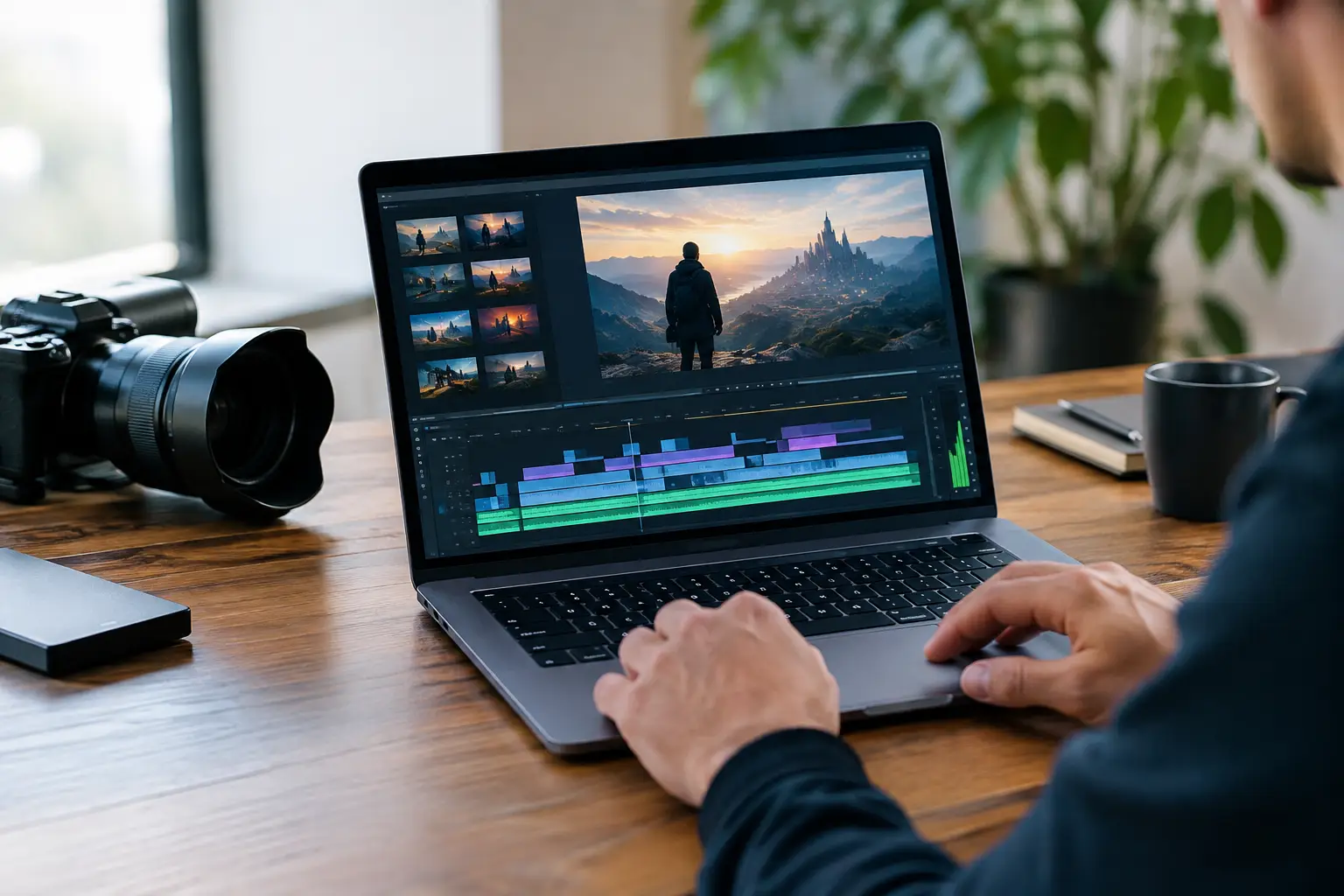
> Featured image concept: Photorealistic cinematic still of a lone filmmaker in a dark editing suite, trailer footage glowing across wide monitors, blue-and-amber practical lighting, shallow depth of field, 35mm film texture, dramatic composition.
A trailer is not a shortened version of your movie. It is a promise: a world worth entering, a conflict worth feeling, and a final image that stays with the viewer after the screen goes black. To make AI film trailers that earn that reaction, start with a strong dramatic idea - then use AI to turn the sharpest moments of that idea into a focused cinematic experience.
The advantage is not simply speed. AI filmmaking gives independent creators a way to test a concept before the full production exists. A screenwriter can pitch a thriller with atmosphere instead of a logline alone. A musician can build visuals around an unreleased track. A filmmaker can prove the tone, scale, and visual language of a project without waiting for locations, cast, or a large equipment budget.
Start With the Trailer's One-Sentence Promise
Before generating a single shot, write one sentence that captures the film's central tension. Not the entire plot. The tension.
For example: After receiving messages from her future self, a grieving astronaut must choose which version of Earth gets to survive. That idea immediately suggests mood, imagery, stakes, and questions. It can become a science-fiction drama, a psychological thriller, or an emotional mystery. Your trailer needs to make the audience want the answer.
A useful trailer promise combines three elements: a protagonist, a disruption, and a cost. Who are we watching? What changes? What could they lose? If your concept cannot answer those questions clearly, more generated footage will not solve the problem.
Keep the promise specific enough to create images. “A man faces his past” is vague. “A retired detective recognizes his own voice in a new serial killer’s recordings” gives you a lead character, sound-driven suspense, and strong trailer moments.
Build a 60-Second Story Before You Generate Video
Many first-time creators approach AI video generation shot by shot without deciding what the trailer is saying. The result may look impressive, but it feels like a montage rather than a movie preview. Give your trailer a compact narrative arc first.
For a 45- to 90-second trailer, open with normality or mystery. Introduce the character and the world in a few clean visual beats. Then reveal the event that changes everything. From there, increase pressure with fragments of conflict, discoveries, action, or emotional fallout. End on an unanswered question, a striking final line, or an image that reframes what came before.
A simple structure often works best:
- 0-15 seconds: Establish the world, lead character, and tone.
- 15-35 seconds: Reveal the inciting threat or opportunity.
- 35-55 seconds: Escalate with faster images and rising sound.
- Final seconds: Land the title, release message, or one unforgettable sting.
This is a framework, not a rule. A quiet prestige drama may use a slower build and a single devastating line. A horror trailer may reveal less and rely on silence. An action trailer can cut rapidly, but it still needs contrast. If every moment is loud, nothing feels bigger when the stakes arrive.
Design a Visual Language, Not Just Individual Shots
The fastest way to make an AI trailer feel assembled is to generate every scene with a different style, location, character, and color palette. Consistency is what makes separate shots feel like they belong to the same film.
Create a short visual brief before prompting. Decide on the camera language: handheld and intimate, controlled and symmetrical, sweeping and epic, or grainy and documentary-like. Choose two or three dominant colors. Define wardrobe, time period, weather, and production design details. Even a few recurring choices - red emergency lights, wet asphalt, a cream-colored spacesuit, wide-lens close-ups - give the project a recognizable identity.
Write prompts like a director giving a precise shot brief. Include the subject, setting, action, camera framing, lighting, mood, and texture. Instead of asking for “a futuristic city,” try: “Wide aerial shot of a flooded coastal megacity at dawn, commuter boats moving between Art Deco towers, rain haze, cool cyan shadows, warm window lights, cinematic 35mm grain.”
Then make variations. The first generation is a starting point, not a final take. Change one creative variable at a time: the lens, weather, composition, or intensity of the action. This makes it easier to protect continuity while finding the strongest version of a shot.
Create Coverage for the Edit
Do not generate only your biggest images. A trailer needs connective tissue: a hand tightening around a key, a character looking offscreen, boots crossing an empty hallway, a phone screen lighting up in the dark. These inserts create rhythm and hide transitions between larger scenes.
For each major story beat, aim for an establishing shot, a medium character shot, and one close detail. You may not use every clip, but options give the edit momentum. A trailer often becomes more cinematic when it cuts away before the viewer has fully processed the image.
Let Sound Carry the Suspense
Viewers will forgive a shot that is slightly imperfect faster than they will forgive sound that feels flat. Music, silence, voice, and effects tell the audience how to feel before they understand what they are seeing.
Start with a musical direction rather than a generic “epic trailer” request. Is the film intimate and mournful? Build from sparse piano, distant cello, and room tone. Is it a neon crime story? Use pulsing analog bass, clipped percussion, and rain-soaked ambience. For fantasy, consider organic percussion, breathy vocal textures, or a theme that can grow into a larger final movement.
Use sound in stages. Begin with a restrained atmosphere. Add a pulse as the premise becomes clear. Cut the music briefly before the final reveal, then hit a sharp sound cue, final image, or title card. That moment of silence creates space for anticipation.
Dialogue should be selective. One great line can define a trailer: “You were not supposed to remember this place.” Avoid explaining the entire plot in voiceover. Let the audience connect the fragments. Mystery gives a trailer its pull.
Edit for Questions, Not Answers
The edit is where AI-generated footage becomes a trailer. Your job is not to show everything you made. It is to remove anything that weakens the question at the center of the film.
Watch your first cut with the sound off. Can you understand the emotional direction? Then listen without looking. Does the audio build, shift, and create tension? Fix either problem before adding more effects.
Keep early shots long enough to establish the world, then shorten them as the trailer accelerates. Use visual matches to create invisible transitions: a closing elevator door cutting to a spacecraft hatch, a spinning vinyl record cutting to a hurricane, a character’s eye cutting to a distant planet. These choices make the trailer feel intentional rather than random.
Text cards can clarify the premise, but they should earn their place. A single phrase such as “THE SIGNAL CAME FROM TOMORROW” can add scale. Five generic cards can drain energy. Let the images do as much work as possible.
Make AI Film Trailers With a Complete Workflow
A good workflow keeps creative decisions connected from first idea to final export. Write the trailer premise and beat sheet, generate a visual reference direction, create your key shots and inserts, compose a soundtrack, then edit toward one emotional outcome.
AICINEO brings that creative path into one AI Cinema workspace: screenplay development, cinematic video generation, original music, editing, and publishing. If you want to move from a trailer concept to a finished creative project without bouncing between disconnected tools, try AICINEO free and build your first sequence.
Before publishing, test the trailer on a small audience. Ask one question: “What do you think this film is about?” If their answers are wildly different from your intention, the premise needs more clarity. Ask a second: “What moment do you remember?” If no moment stands out, choose a stronger ending or simplify the middle.
Your trailer does not need to prove that every part of the feature is finished. It needs to show that the film has a point of view. One striking character, one controlled visual world, one escalating soundscape, and one question the audience needs answered can be enough to turn an idea into a film people want to see.