

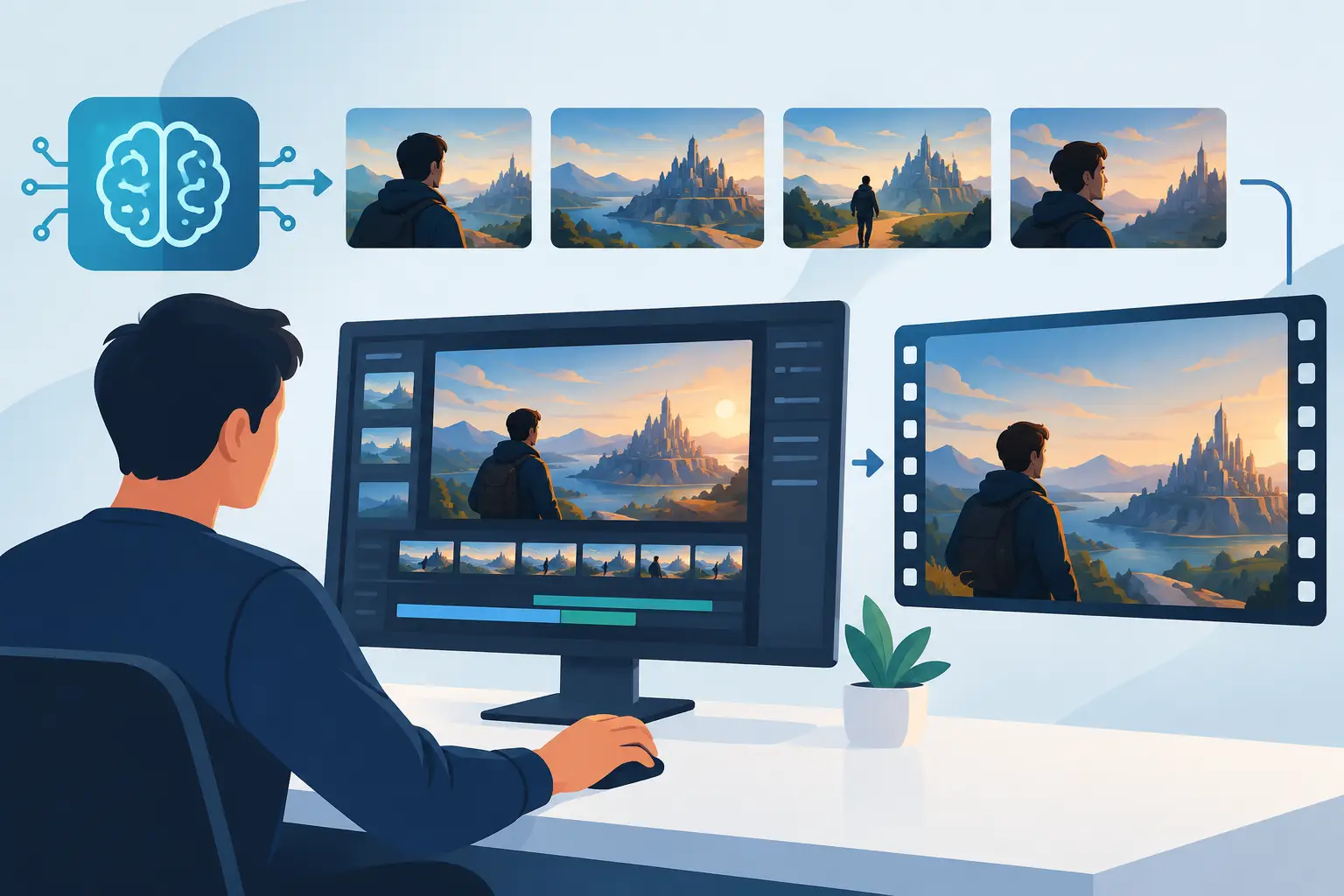
A beautiful AI shot is easy to admire. A beautiful shot that belongs to the same city, weather system, history, and emotional reality as the next fifty shots is cinema. To create consistent AI film worlds, stop treating each generation as an isolated image. Treat it as evidence from a place that already exists.
The audience may not name the problem when a film world drifts. They simply feel it. The lead character's face subtly changes. A rain-soaked street becomes glossy neon in one shot and dusty concrete in the next. Architecture shifts from brutalist to baroque because the prompt needed something new. The film loses its internal gravity.
Consistency is not visual repetition. It is the discipline of making every frame answer to the same underlying logic.
Build the world before you build the shots
An AI film world needs a source document, even when the finished work is abstract, dreamlike, or nonlinear. This is not a corporate production bible. It is a compact record of decisions that gives the work boundaries.
Start with a premise that can govern images. Instead of "a futuristic city," define the city's pressure: a coastal metropolis built around a failing climate shield, where public life happens beneath amber emergency light. Instead of "a mysterious woman," define her relationship to the world: a former shield engineer who recognizes failures before anyone else does.
That premise creates useful constraints. It tells you why the light is amber, why the skyline is enclosed, why characters might dress for wind or condensation, and which locations matter. Constraints do not reduce imagination. They make a world legible enough for imagination to expand inside it.
Make a cinematic world bible
Keep the bible visual and practical. One page can hold the film's dominant palette, material vocabulary, lens behavior, lighting rules, camera distance, environmental conditions, costume silhouettes, and the references that establish its emotional temperature.
Write down what the world refuses to be, too. Perhaps there are no glowing interface overlays, no spotless chrome, no wide heroic drone views, and no daylight. Negative rules are especially useful in generative work because default visual habits can quietly pull a project toward familiar science-fiction shorthand.
Do not confuse a reference board with a world bible. A board shows taste. A bible records decisions. If a new image is striking but violates the decisions, it may be an excellent image for another film.
Create consistent AI film worlds through visual grammar
A world becomes recognizable through repeated choices. The point is not to force every scene into one color grade or one camera angle. The point is to establish a grammar that can bend without breaking.
Choose a narrow set of recurring visual signals. It may be shallow focus and long-lens compression. It may be diffuse overhead light, oxidized metals, damp fabric, and vacant space around the figure. It may be handheld intimacy interrupted by rare locked-off architectural frames. Each signal tells the viewer, often below conscious awareness, that they are still inside the same film.
Prompt language should reflect that grammar. Build a prompt spine - the phrase set that travels from sequence to sequence - rather than starting from zero each time. This might include the production's environment, lighting approach, camera behavior, texture, and grade. Then add the shot-specific action and composition.
For example, a prompt spine might describe "enclosed coastal city, amber emergency illumination, salt haze, weathered composite surfaces, restrained cinematic realism, long-lens observation." A scene prompt can then specify the character, location, movement, and framing. The stable language is not magic wording. It is a reminder of the film's agreements.
Avoid packing every aesthetic ambition into every prompt. Too many style references can produce images that are technically rich but culturally confused. A film can carry one dominant visual idea and several supporting ones. It rarely benefits from carrying ten.
Lock character identity before performance
Character inconsistency is one of the fastest ways to make an AI film feel provisional. A face is not only a face. It carries age, posture, proportion, hairline, costume fit, gesture, and the particular way light settles across it.
Create a character packet before generating scenes. Include selected reference images, a written physical description, approved wardrobe variations, a small range of expressions, and notes on movement. If your tools support reference images, character controls, seeds, or model training, use them intentionally. If they do not, the packet still gives you a selection standard.
The practical trade-off is time. It can feel slower to establish a character across controlled tests before making the film. But repairing identity after twenty scenes is slower, and the repairs tend to create new mismatches.
Do not demand total sameness where cinema does not require it. A close-up needs greater facial continuity than a silhouette in fog. A character moving through a distant crowd can tolerate abstraction. Spend precision where the viewer will read identity most closely.
Let wardrobe carry continuity
Costume is often more durable than facial likeness. A silhouette, a distinctive collar, a faded patch of color, or a recurring object can bridge variations in generated performance. It also gives character change a visual form.
Plan wardrobe like a timeline. If the protagonist begins in an immaculate utility coat and ends with its seams darkened by rain and repair, define those stages in advance. AI generation responds better to concrete states than vague requests for a character who looks "more worn down."
Design locations as repeatable sets
A film world needs returnable places. If every scene introduces a new, spectacular environment, the work can resemble a trailer for a world rather than a story lived inside one.
Choose a limited number of anchor locations: perhaps an apartment corridor, a transit platform, a workshop, and an exterior threshold. Generate exploratory frames for each location, then select the versions that best express the world bible. Preserve their key geometry, palette, scale, and lighting conditions.
Think like a production designer. Where is the door in relation to the window? What material is underfoot? Which direction does the practical light fall? These details matter because shot-to-shot continuity depends on spatial memory, not merely matching mood.
You do not need to map every wall. You do need enough repeatable logic that an editor can cut between angles without the location seeming to reinvent itself. For a dream film, that logic may be emotional rather than architectural. Even then, decide what kind of transformation is allowed and when it occurs.
Use generation as a production pipeline
The strongest AI cinema is rarely made by generating final shots on the first pass. It moves through stages: exploration, selection, standardization, performance, motion, edit, and revision.
During exploration, generate widely and judge the material by its potential to belong, not just its immediate beauty. During standardization, collect approved references and update the bible. During shot generation, preserve your prompt spine and character materials. During the edit, identify continuity breaks that were invisible while you were focused on individual frames.
This workflow also protects the film from tool churn. Models change, features appear, and a favorite generator may produce different results months later. Your durable asset is not a prompt alone. It is the creative system: references, rules, selects, scene logic, and editorial intent.
Keep versioned folders and name assets by sequence, shot, character, or location. It sounds unromantic. It is also how a world survives its own production. When you find the exact texture of a location at 2 a.m., you should be able to find it again tomorrow.
Edit for belief, not technical perfection
Continuity is ultimately an editorial effect. A slightly imperfect face may pass if the cut carries emotion, movement, sound, and clear cause-and-effect. A visually flawless sequence may fail if its shots have no spatial or dramatic relationship.
Use sound early. A repeated ventilation hum, distant tide, transit announcement texture, or room tone can bind visually varied shots into one place. Music can help, but it should not be asked to conceal a world with no rules.
Pacing matters as well. Hold on key establishing details long enough for the audience to learn them. Return to them with variation. Let the same corridor look different after a plot turn, but make the change meaningful: darker light, new damage, a missing sign, a different sound.
AICINEO sees AI cinema as a filmmaking medium, not a stream of disconnected outputs. The distinction lives in choices like these. A world earns its reality through recurrence, consequence, and point of view.
Before locking a cut, watch it once without pausing. Mark the moments where you stop believing. Then ask a precise question: is the break in character, place, light, camera language, time, or story? Fix the governing rule, not only the frame that exposed it.
The goal is not to make AI disappear. The goal is to give its strange generative abundance a home. When every shot feels like it was found in the same impossible place, the audience will follow you there.